Immich Digital Photo Frame with Espframe
Espframe turns a supported Guition ESP32-P4 touchscreen into a standalone digital photo frame for Immich. It is designed for self-hosted photo libraries, so the frame connects directly to your Immich server and displays photos from your own network.
Unlike a tablet dashboard or cloud photo frame, Espframe runs firmware built with ESPHome on the display hardware itself. You do not need Home Assistant, a separate bridge app, or a subscription service.
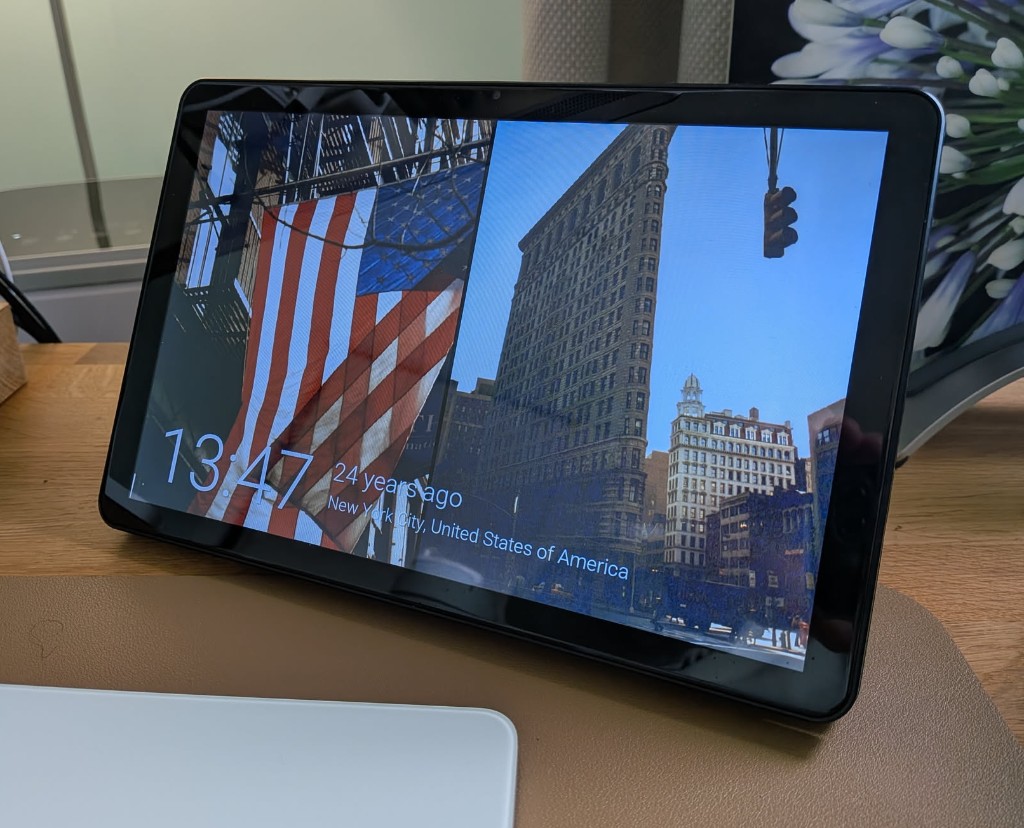
What Espframe Does
- Shows photos from your Immich library on an ESP32-P4 touchscreen.
- Connects directly to Immich over HTTP or HTTPS.
- Supports all photos, favorites, albums, people, memories, and date-filtered ranges.
- Includes display controls for brightness, schedules, screen tone, and touch gestures.
- Uses a browser-based installer for the supported Guition ESP32-P4 10-inch display.
What You Need
| Item | Notes |
|---|---|
| Immich server | A working self-hosted Immich instance on your network or reachable by HTTPS |
| Supported display | Guition ESP32-P4 10-inch JC8012P4A1 |
| USB-C data cable | Used for first-time flashing; not a charge-only cable |
| Chrome or Edge | Required on a desktop computer for browser flashing with Web Serial |
| Immich API key | Read-only permissions are recommended |
How Setup Works
- Flash the firmware from the Install Espframe on a Guition ESP32-P4 Display page.
- Connect the frame to WiFi.
- Enter your Immich server URL and Immich API key permissions.
- Choose which Espframe photo sources for Immich should appear in the slideshow.
Privacy Model
Espframe does not upload photos or send your library through a hosted service. The frame requests thumbnails and metadata from the Immich server URL you configure. If your Immich instance is only available on your local network, the frame stays local too.
